By expanding the arrow next to Users in the Tree, you can view the different Users created on your system. 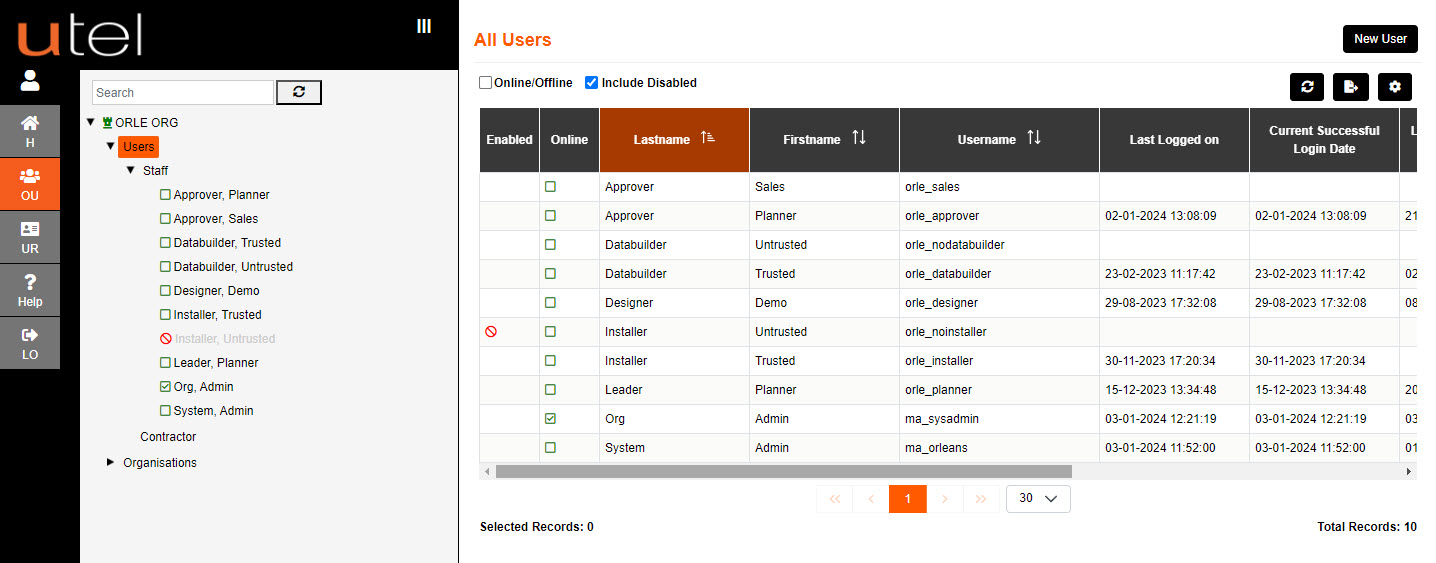
An active user is identified by the green box icon.
An online user is identified by the green tick in the green box icon.
A disabled user is identified by the red no entry icon.
Clicking on Users in tree brings up table to view details of all Users. including Staff and Contractors
Clicking on Staff in tree brings up table to view details of just Staff.
Clicking on Contractor in tree brings up table to view details of just the Contractors.