This page is accessed by clicking on an alarm in the All Alarms screen and then selecting the Alarm History tab, it gives further details of the alarm.
This page shows a history of all the alarm information previously associated with a piece of equipment or a network.
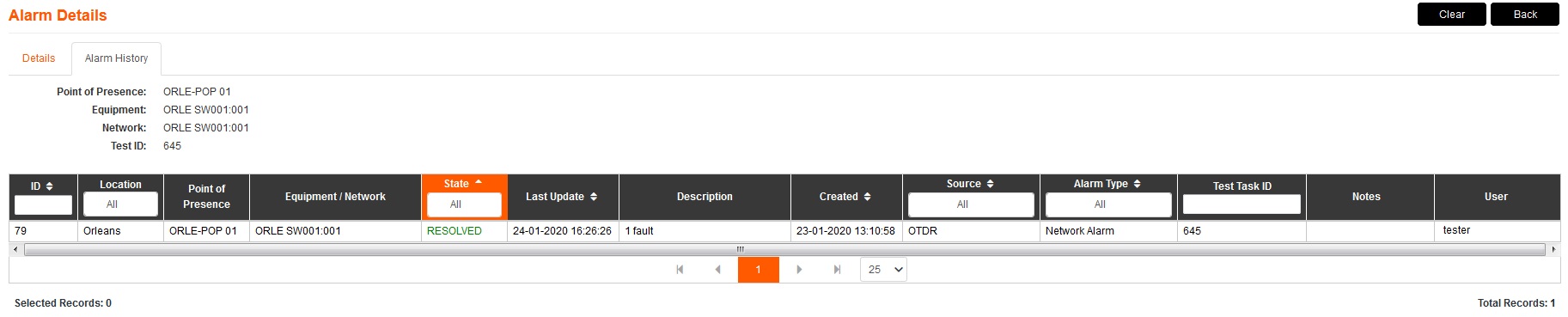
1.The buttons available in the top right of this page work in the same way as the Details tab and apply to this specific alarm.
2.The states that appear here vary depending on the alarms related to this equipment / network. The states Outstanding, Accepted, and Resolved appear here with the same reasoning as described in the Alarm Screen. The only difference is the Complete state, this occurs when a previously Resolved alarm has been Cleared.
All other information on this page is the same as the Alarm Screen.