The User Dashboard will be a summary of events unique to your network system.
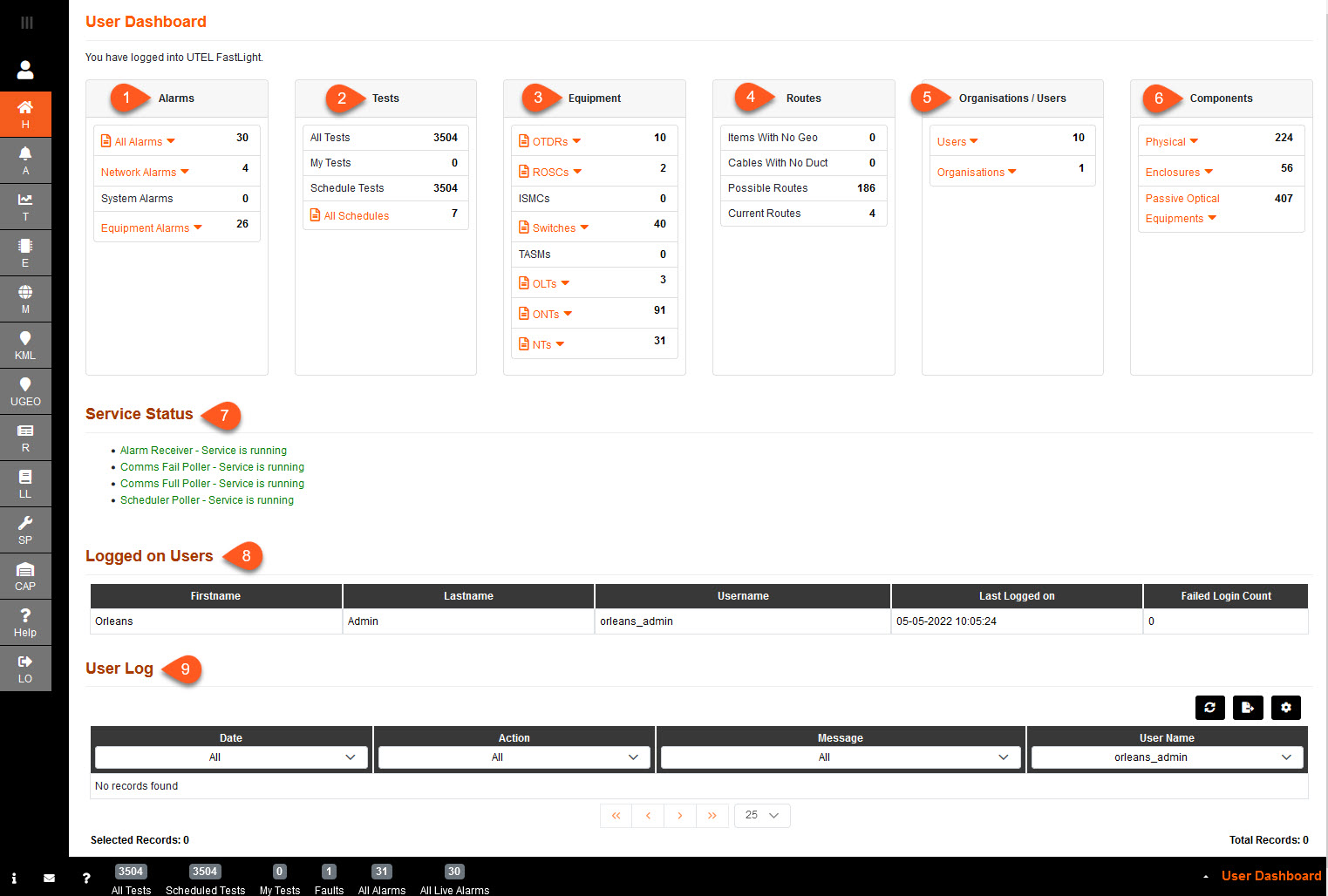
1.Alarms - This shows the different states an alarm can have, next to the description of the alarm type is the number of alarms that are in that state currently.
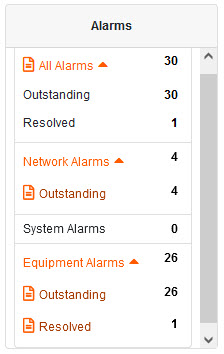
To view the Alarm reports, click here
2.Tests - This shows the tests that have carried out and the amount of tests that have been scheduled.
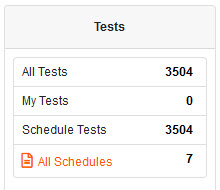
To view the Schedule report, click here
3.Equipment - This shows the equipment in the network and the quantity of each type of equipment with a drop down list to provide further details.
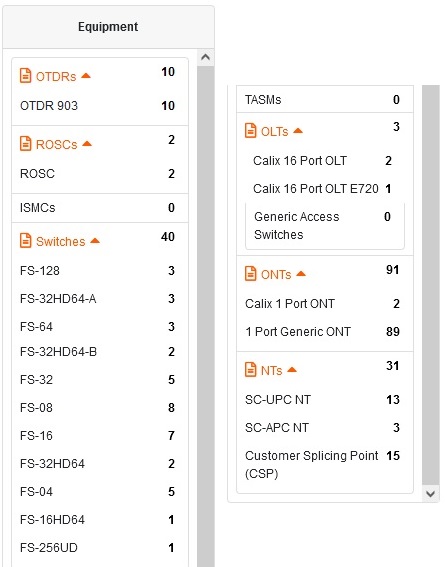
To view the Equipment reports, click here
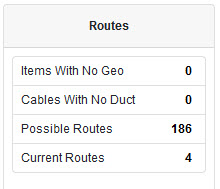
4.Routes - This shows the possible routes and current routes listed in the system with the number of each given to the right, including items not set up with a Geo Location and Cables created without a duct/trench laid out on the map.
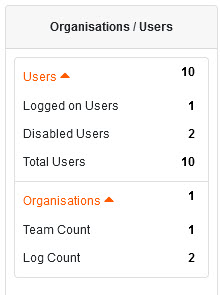
5.Users - This summarizes the number of users logged on, the numbers of user accounts which have been disabled, and the total number of users in the system.
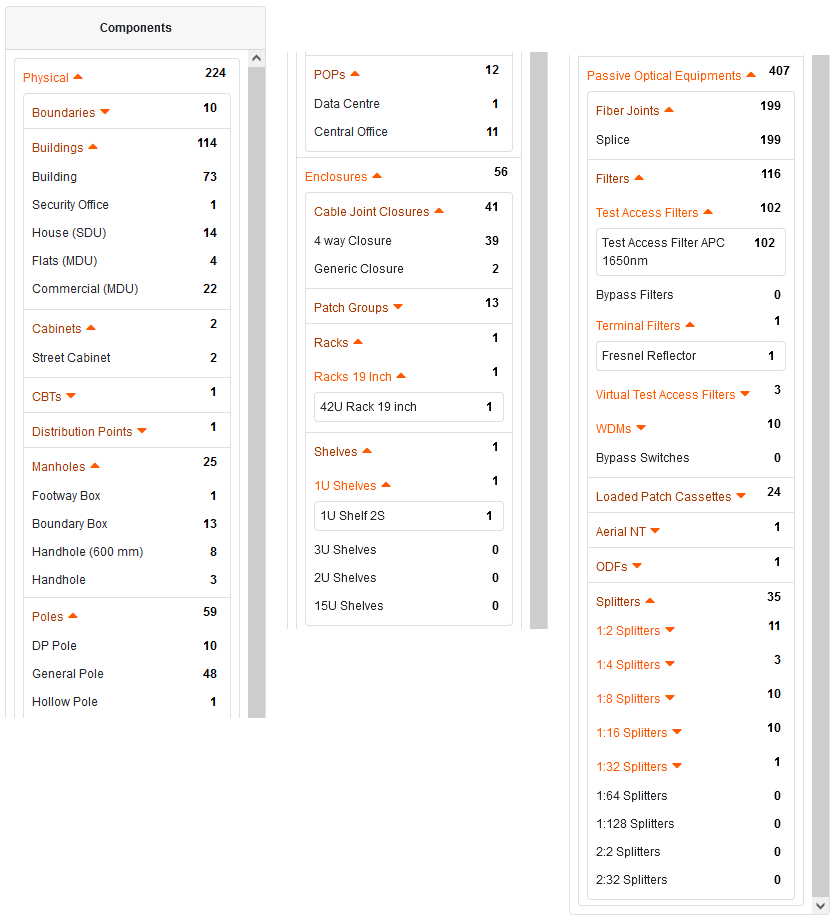
6.Components - This gives a list of all components in the network with a set of drop down boxes giving more details of each one and the number specifies the quantity that are currently in the network.
7.Service Status - List of services, and their status, running for the functionality of Fastlight.
8.Logged on Users - List of users logged on within your company.
9.User Log - Audit of Actions you have been performing.