The Reflector Test is a handy tool to use while building out your network.
The process is to place a reflector on a leg of the splitter being installed, then test each CBT that is connected to each leg of the Splitter.
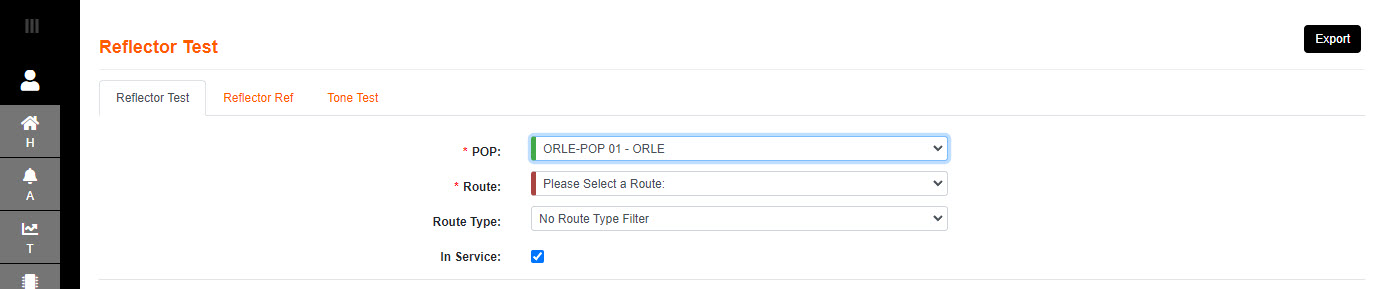
1.Select the POP where the route to be tested originates.
2.Select the Route to be tested, using the desired filters to navigate to it.
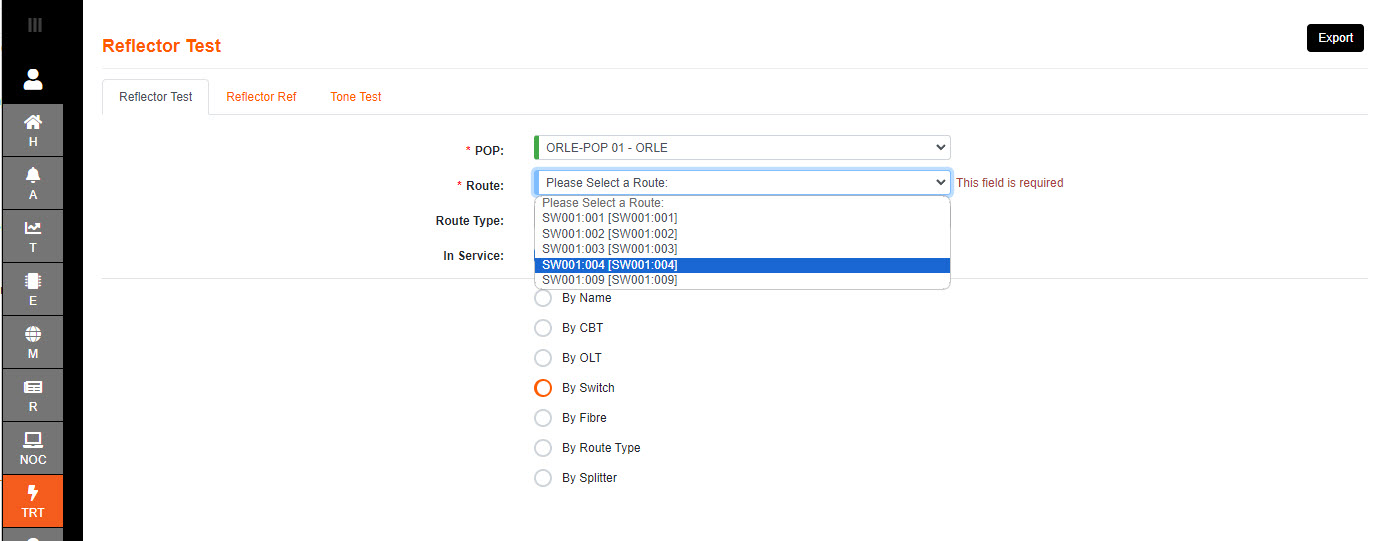
3.Once the route selected - the page navigates to the test items screen.
If there are CBT's already connected to the Splitter they will be on display.
4.Clicking on the Splitter row will navigate to the test screen, using the splitter as a starting point in the test and diagnostics.
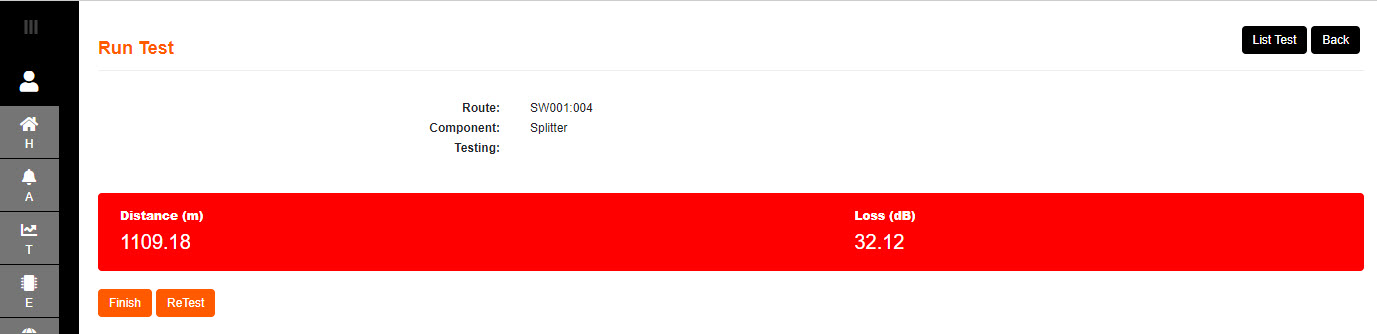
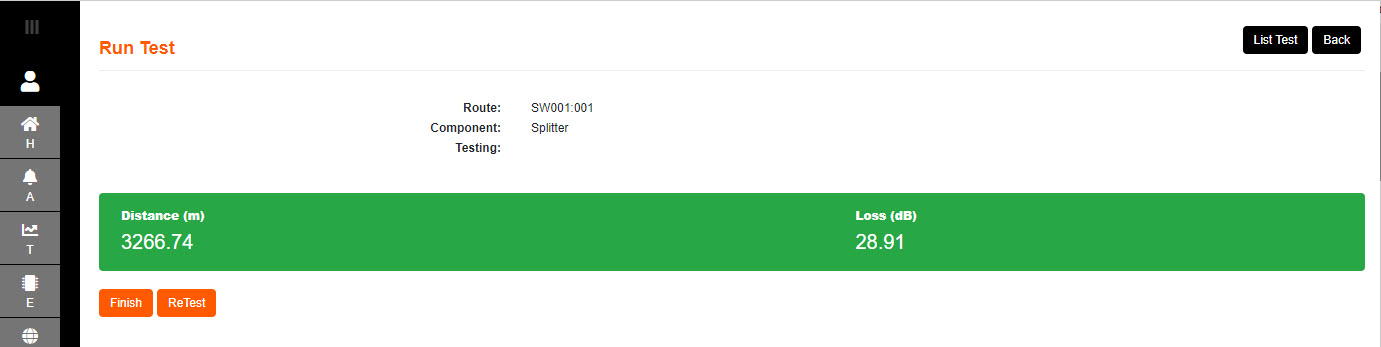
[The result will be displayed as a distance and loss to the (intentional) reflection]

5.Select Test to start the process.
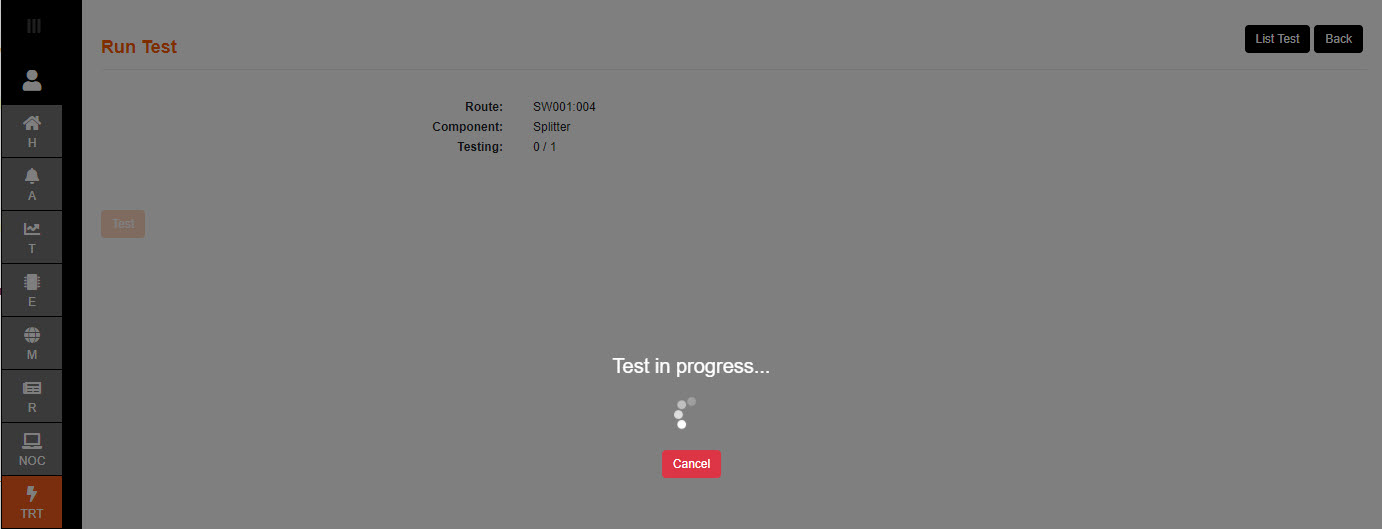
6. The result is displayed as a distance and loss to the (intentional) reflection.
It will be a Pass if the dB loss is under the desired value.
7. Select Next Test to resume the process if anymore ports are available in route to test.
8. The tester can go back to the start page at any point by selecting Back , and any point in the process can be selected to test.
9. Select Finish when the process of testing all ports is complete.
10. List Test button will pop up the details about the Tests run on that particular route, in order to confirm which port the last reflector test was run.
11. The test will be a Fail if the dB loss is over the desired value.