The Tone Test is a handy tool to use while building out your network.
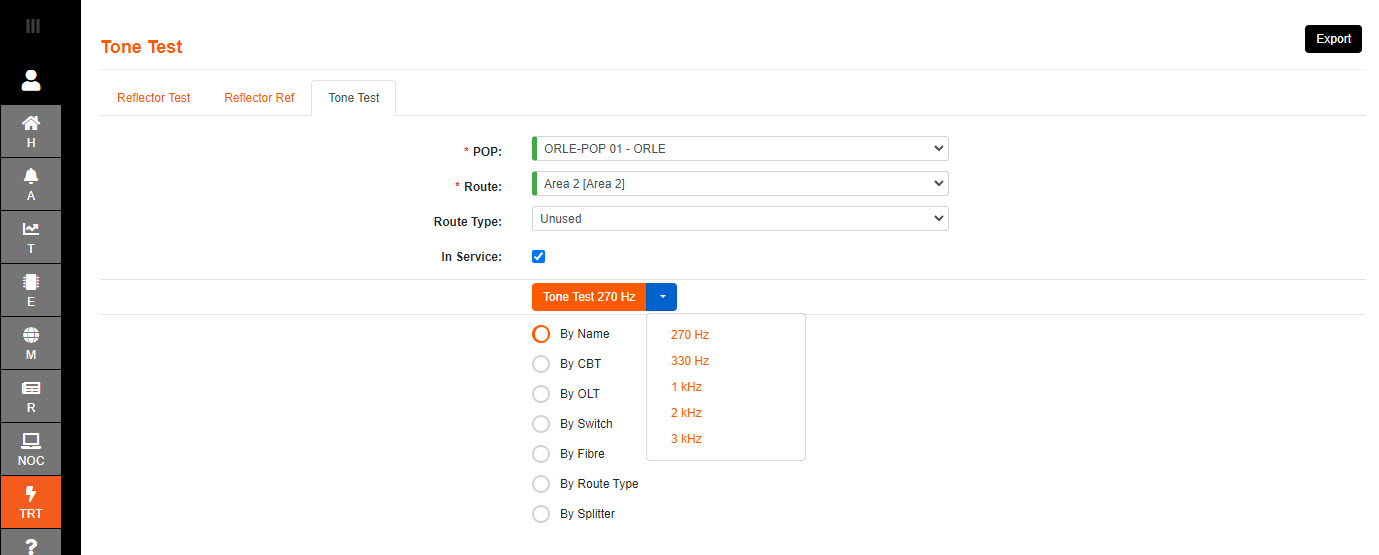
There is a choice of standard frequencies to choose from.
The default test time is 10 seconds, at 1kHz, and can be modified in System Properties.
The OTDR produces the tines, and the user will need to clamp a handhold 'Optical Fibre Detector' to a fibre on the chosen network .
1.Select the POP where the route to be tested originates.
2.Select the Route to be tested, using the desired filters to navigate to it.
In this example we are searching by Name, and Unused Route Type.
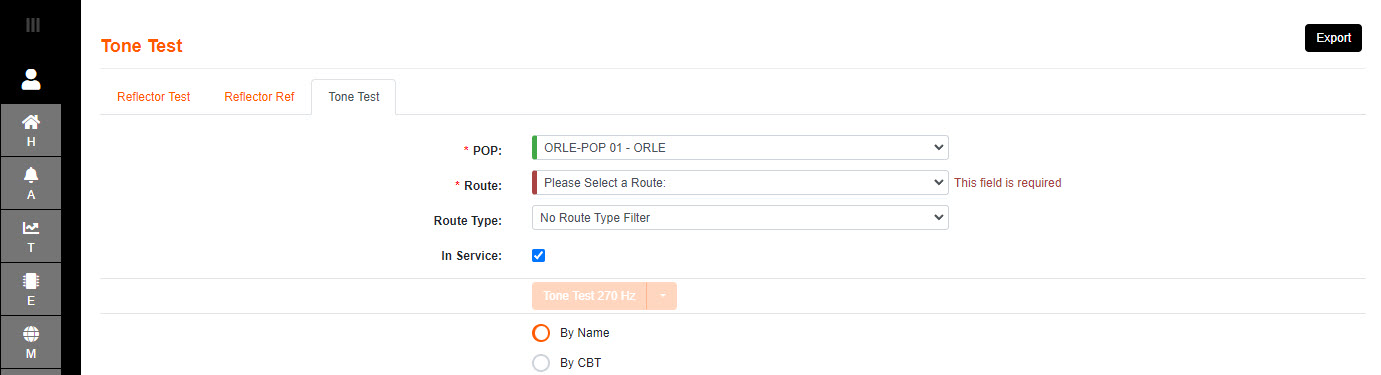
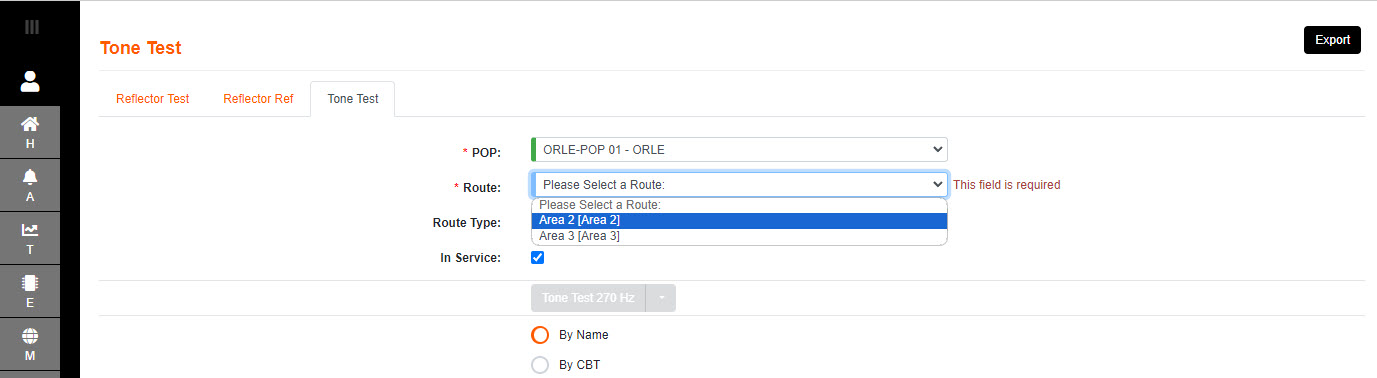
3.Once the route selected - the test button becomes available.
4.Click on the Tone Test button, or drop down to choose another frequency. Either will kick off a test.
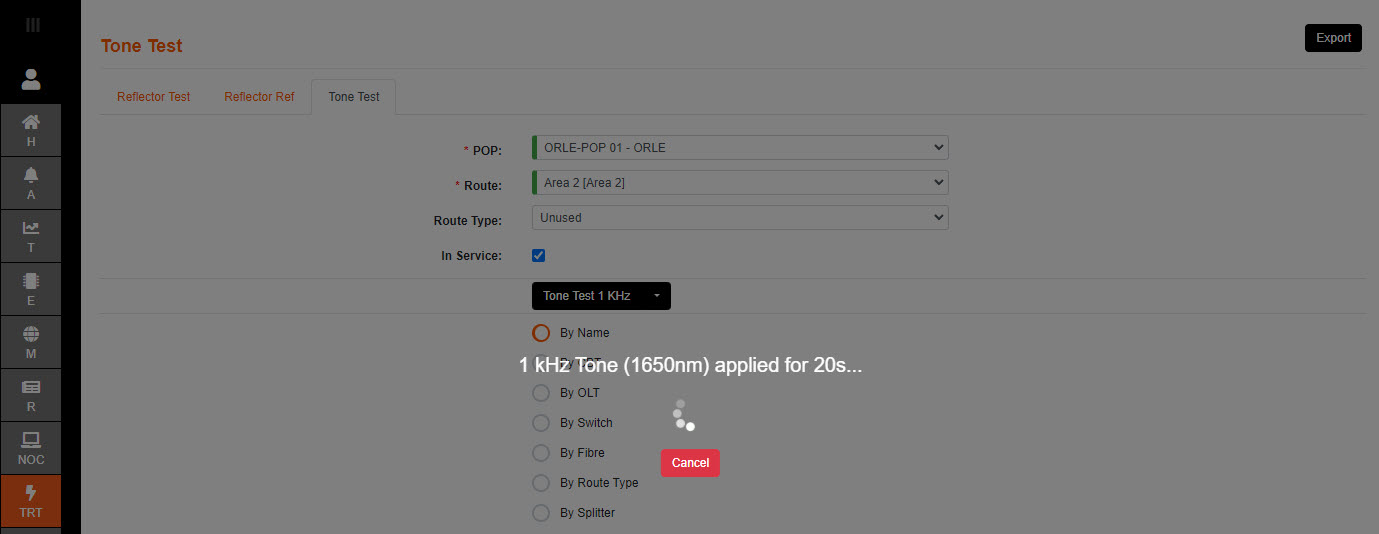
Once the Tone has stopped, an OK message is presented on a banner and the screen will be available.