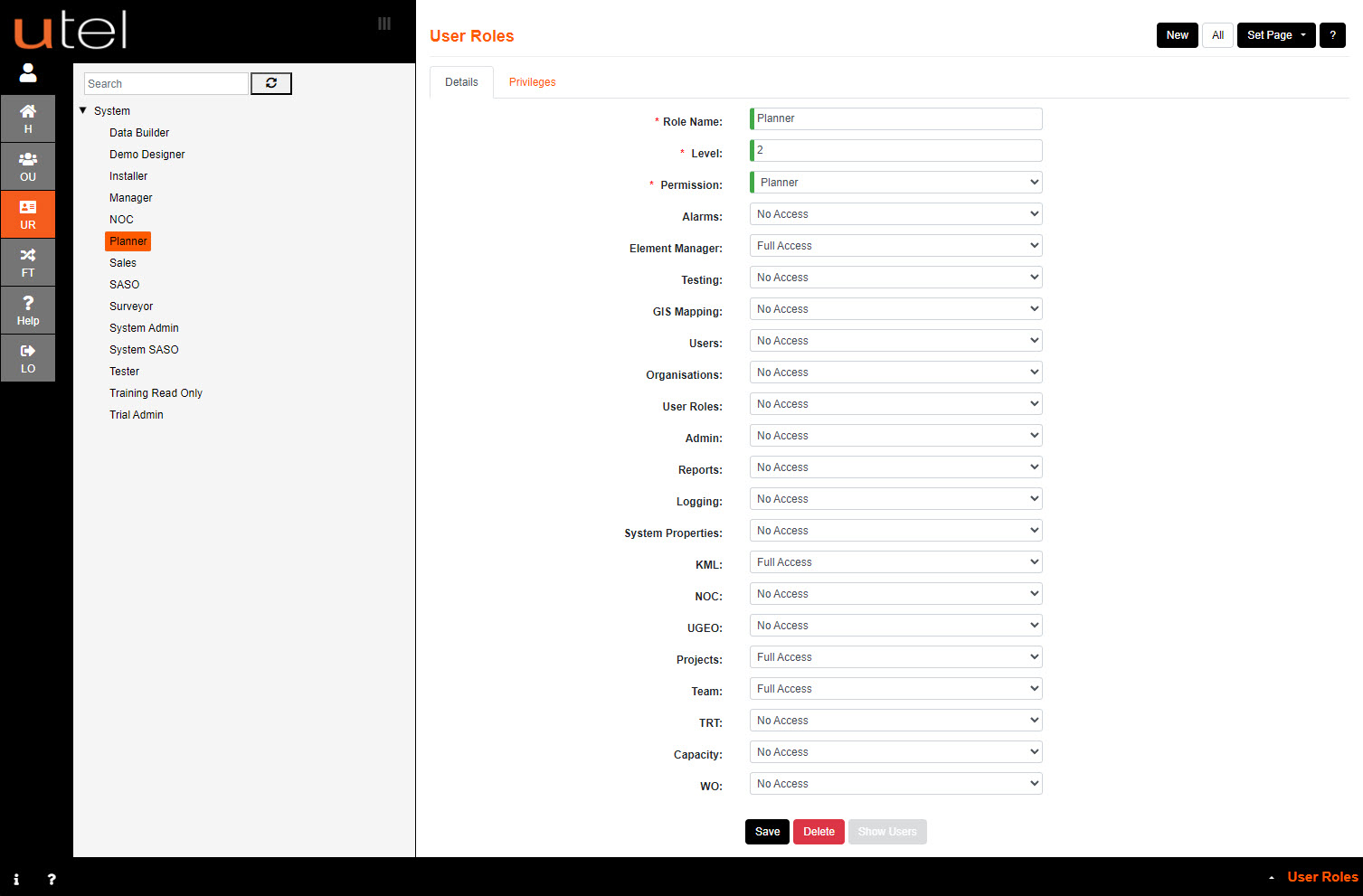
Each User should have specific User Role that has permissions to view and/or edit certain areas.
For Example:
When a Planner signs in - they should only have the menu items available that will assist them in their Planning.
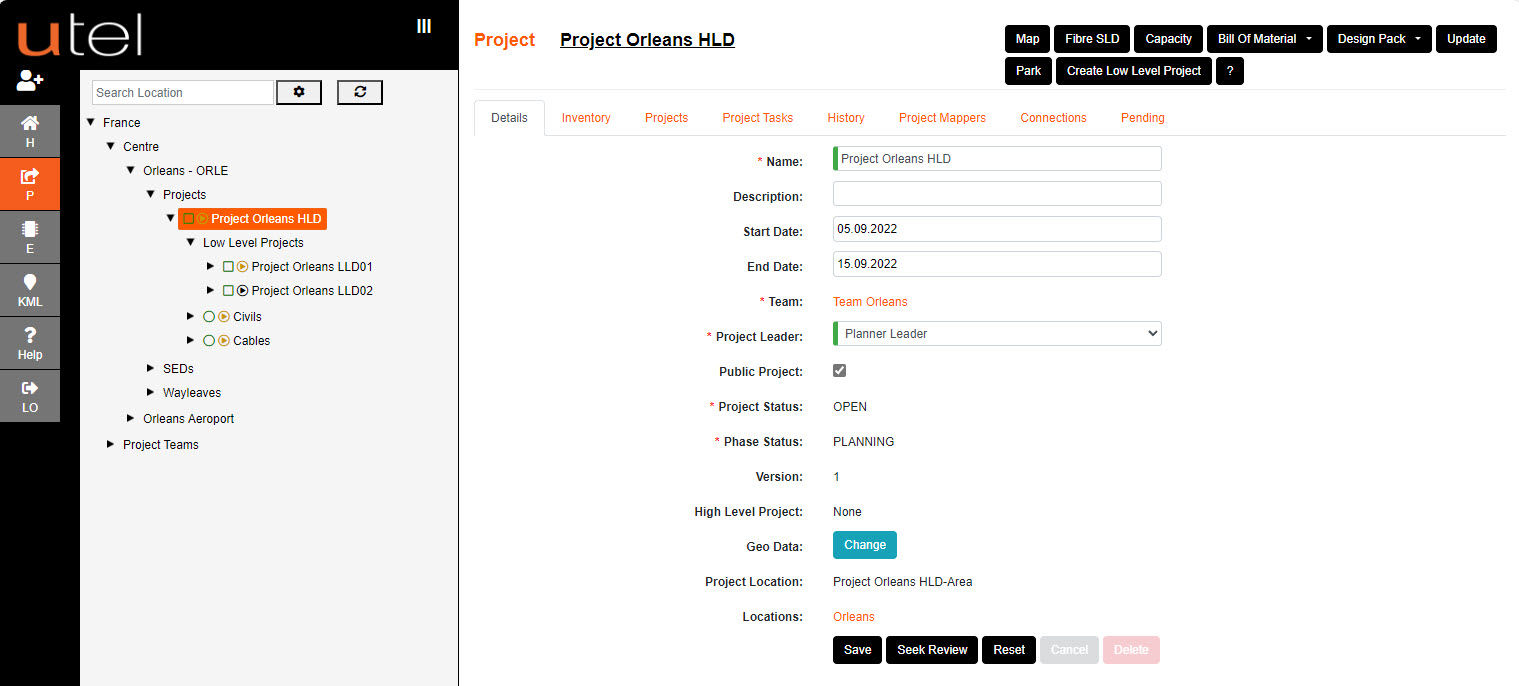
The following menu options are available:
|
Read all Alarm details, or able to change the state of the Alarms.
Read all Testing details, or process Testing.
Create/modify/view projects set up to planning process civils and data building in a task specific manner.
Works Orders available to Installers to install items during this project stage.
Create/modify/view forms and access tables for each specified element/location.
Create/modify/view map for each specified location.
Access to export/import KML files.
Access to export/import UTEL specific files.
Read User details, or process Users.
Read User Roles, or process User Roles.
Read Reports.
Access to view User Logging.
Read or modify details of System Properties
Access for the NOC User to run tests.
Access to run Tone Test and Reflector Tests.
Access to view free/used/in service duct tubes and cable fibres
|
