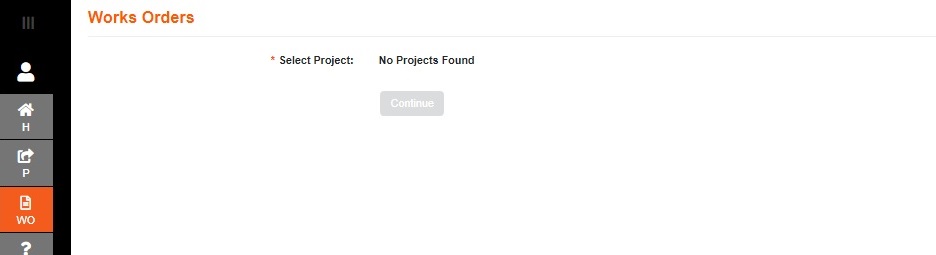
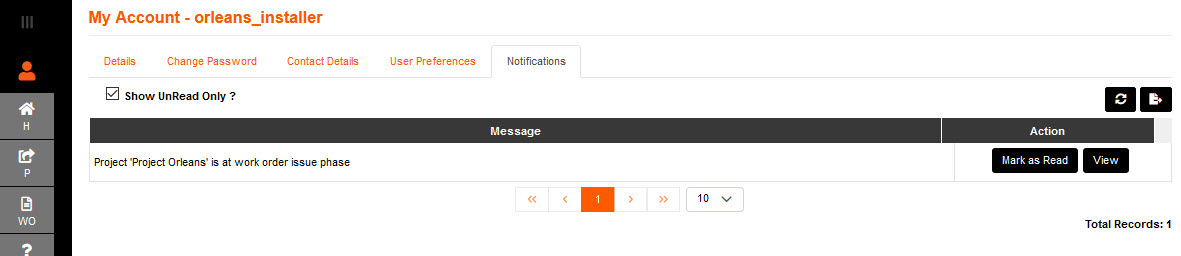
The Installer team member will get notification that the project is at Works Order phase, and they can proceed with Install.
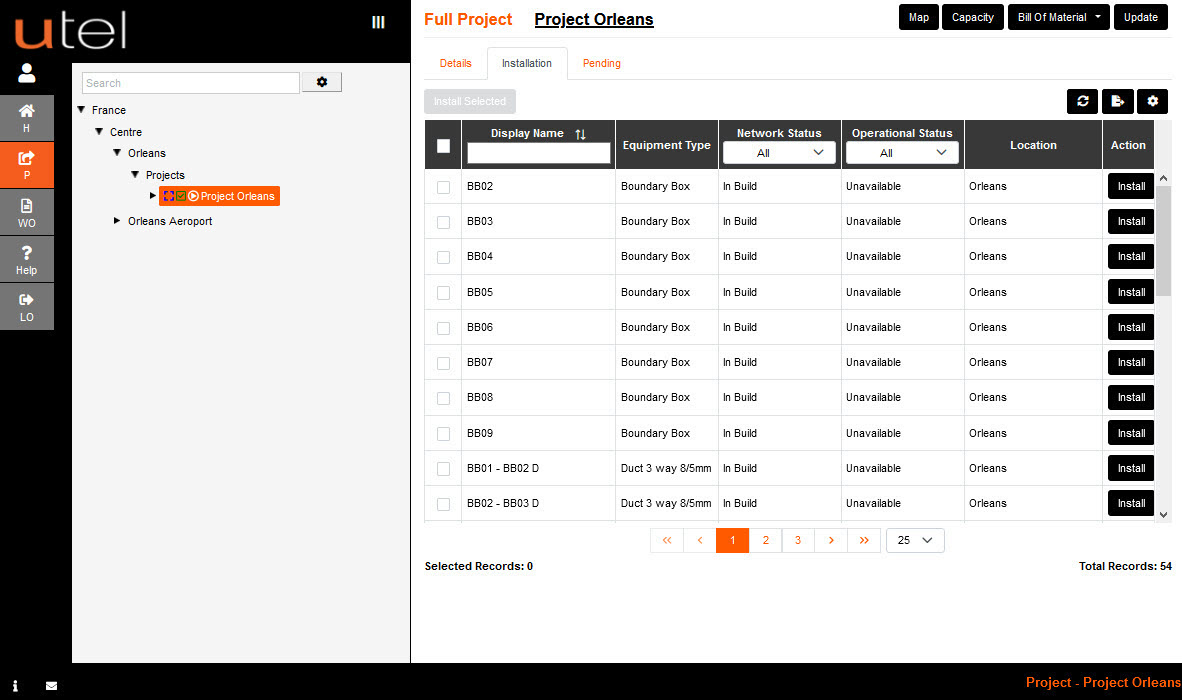
The Works Order will mirror the items ready for 'Install' found on the Installation tab in the Project.
Project Menu:
Works Order Menu:
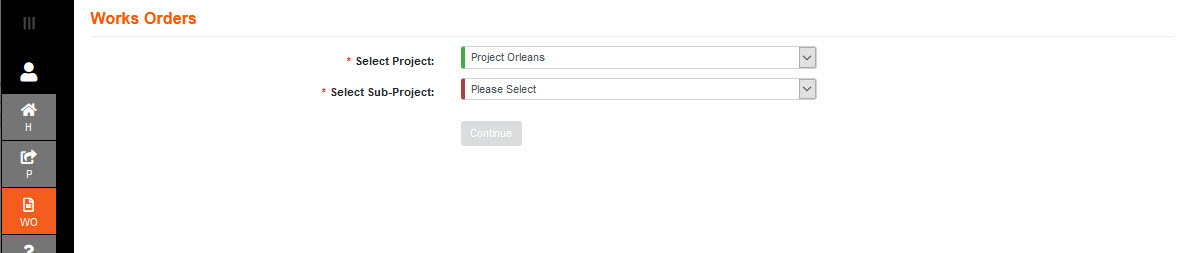
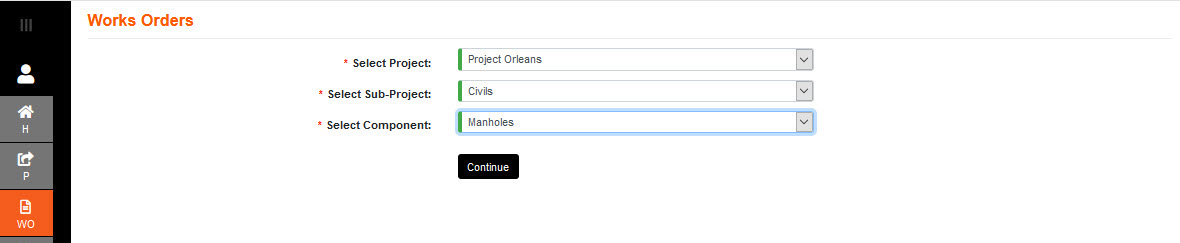
Select Project, Sub Project, and Component that is required to be installed.
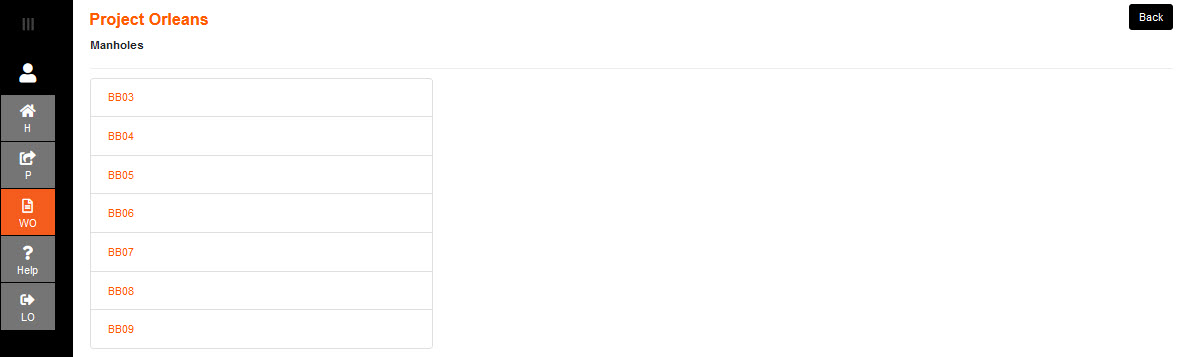
Select the Component task.
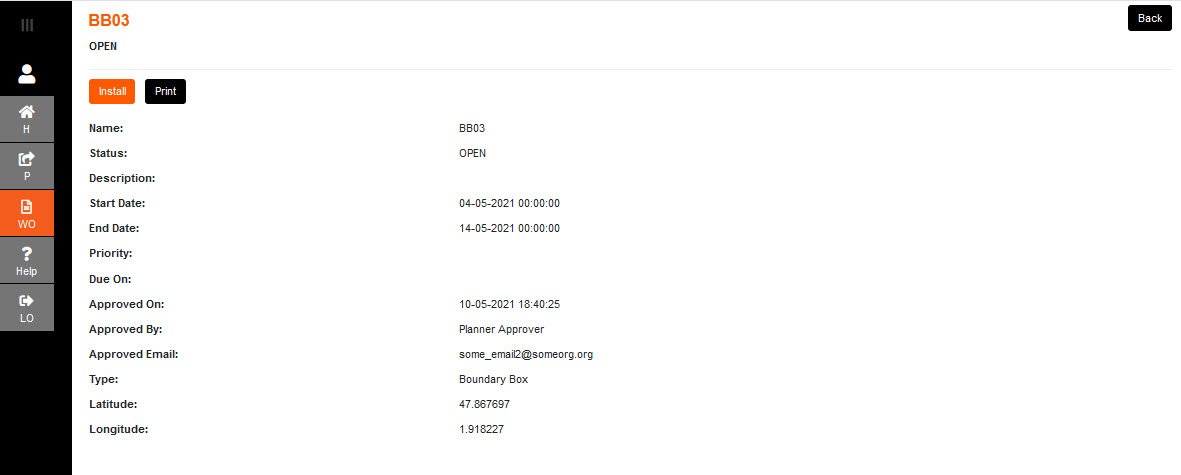
Select Install. The form will close and go back to the list of component tasks, minus the item installed.
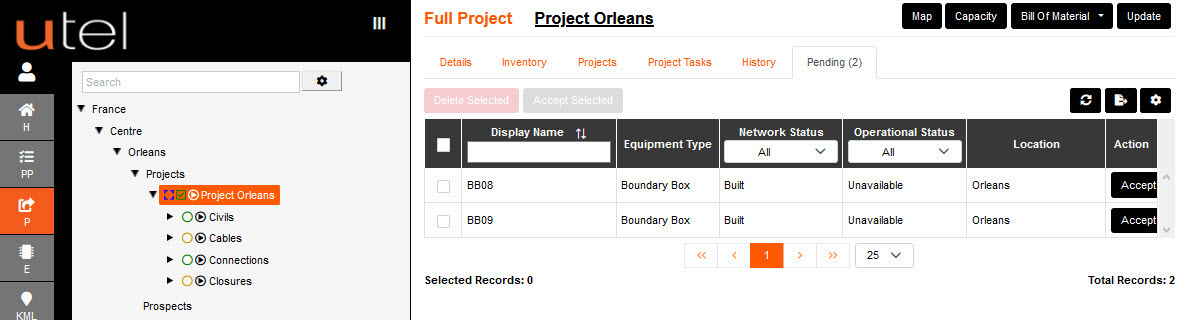
Note: If the Installer is untrusted then the Planner must navigate to the Pending tab and Accept the items installed by that user.
When all items are Installed, the Phase Status is available for the Planner to modify from WORK ORDER_ISSUED to COMPLETE.
When a Project is Complete - the project will be removed from the Works Order 'Select Project' drop down.