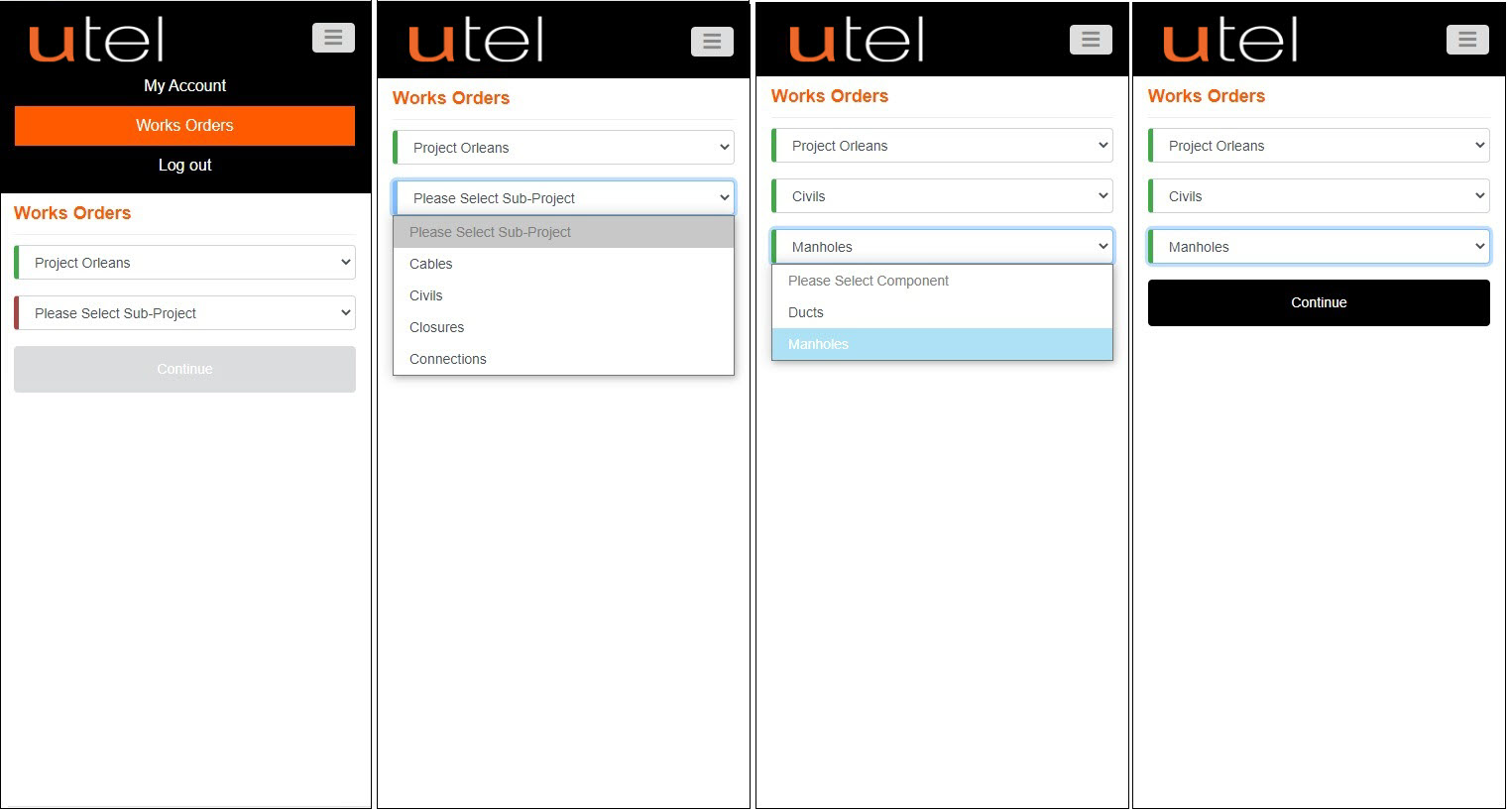
Works Orders is the default screen, after signing in. Select item to install and Continue.
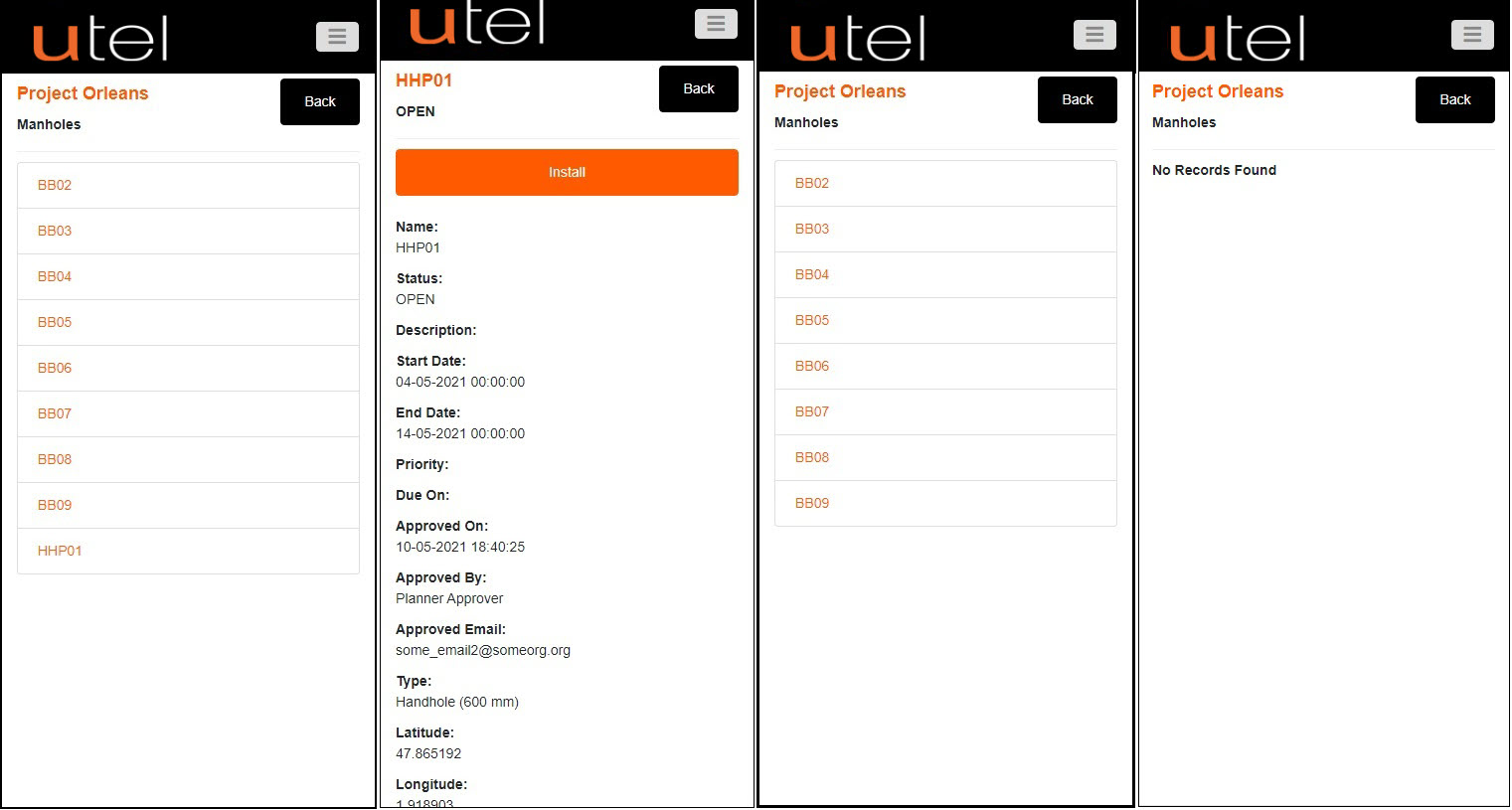
Manholes. Select row of manhole to install. Details and Install.
Fastlight will automatically navigate back to the table after each install, until all are installed.
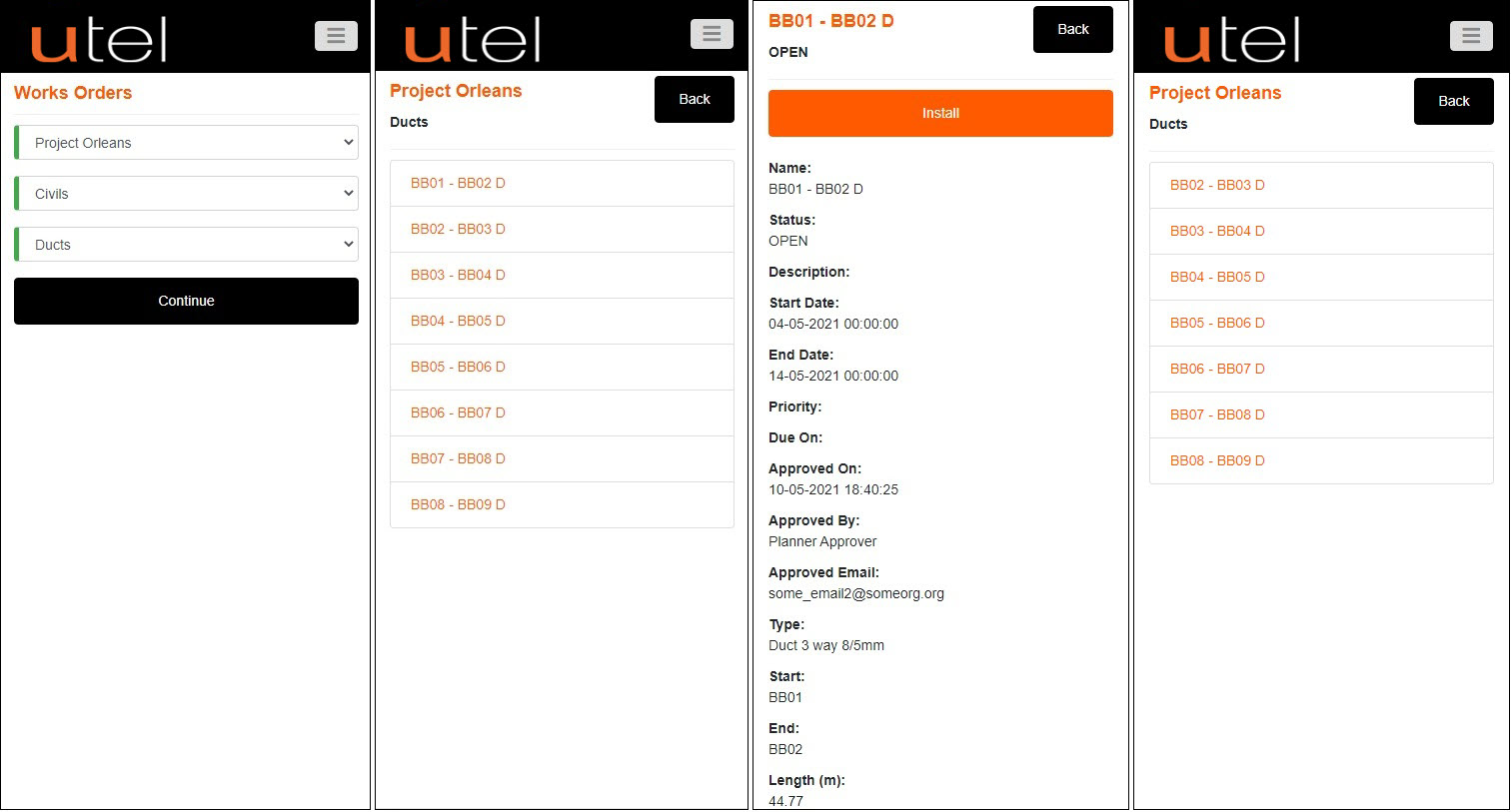
Ducts. Stroll down on the Details page as there is more information provided.
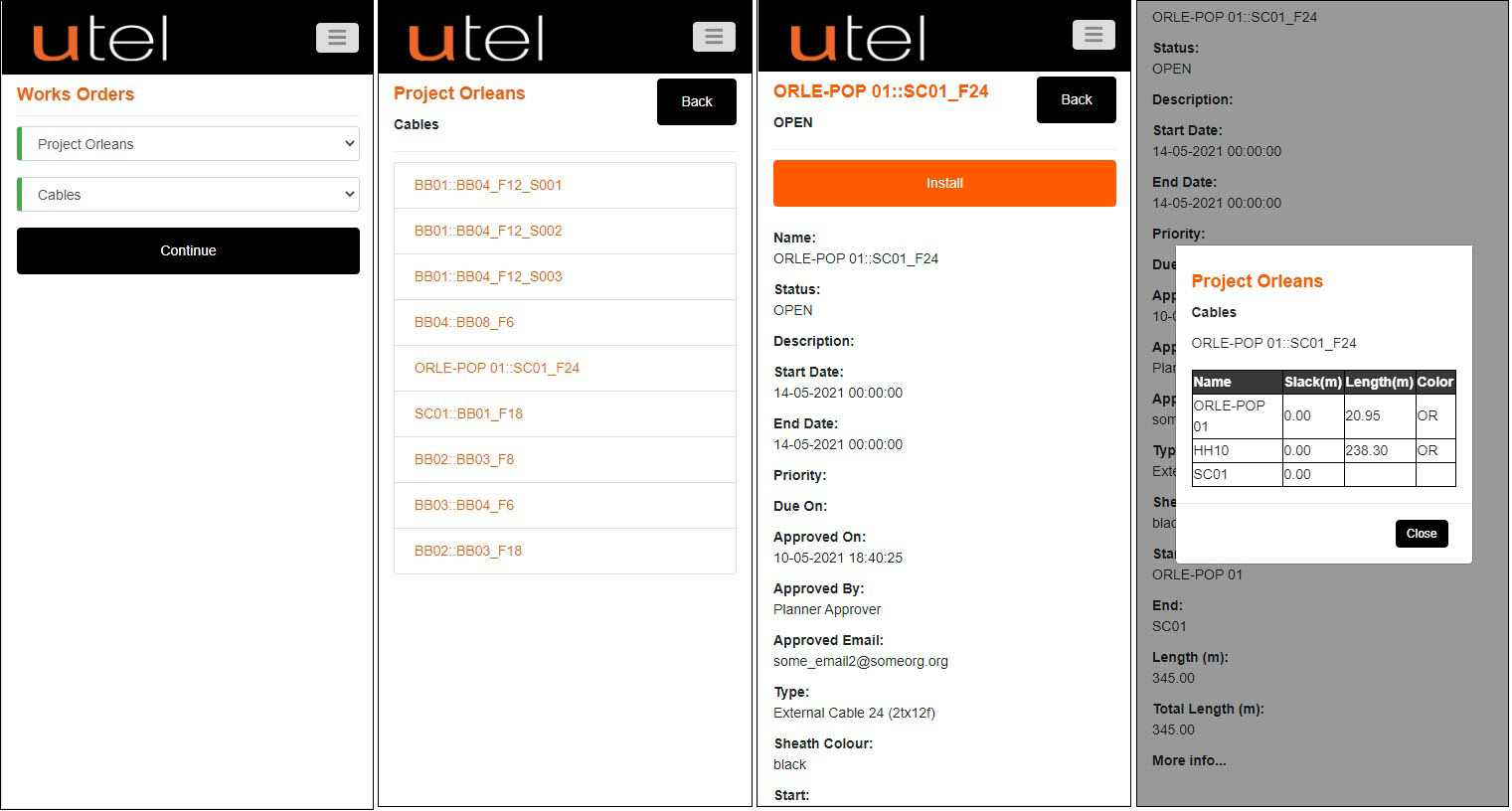
Cables. Click on 'More Info' at the bottom on the screen.
A hyperlink will display a table with the length of cable between each item in the cable path.
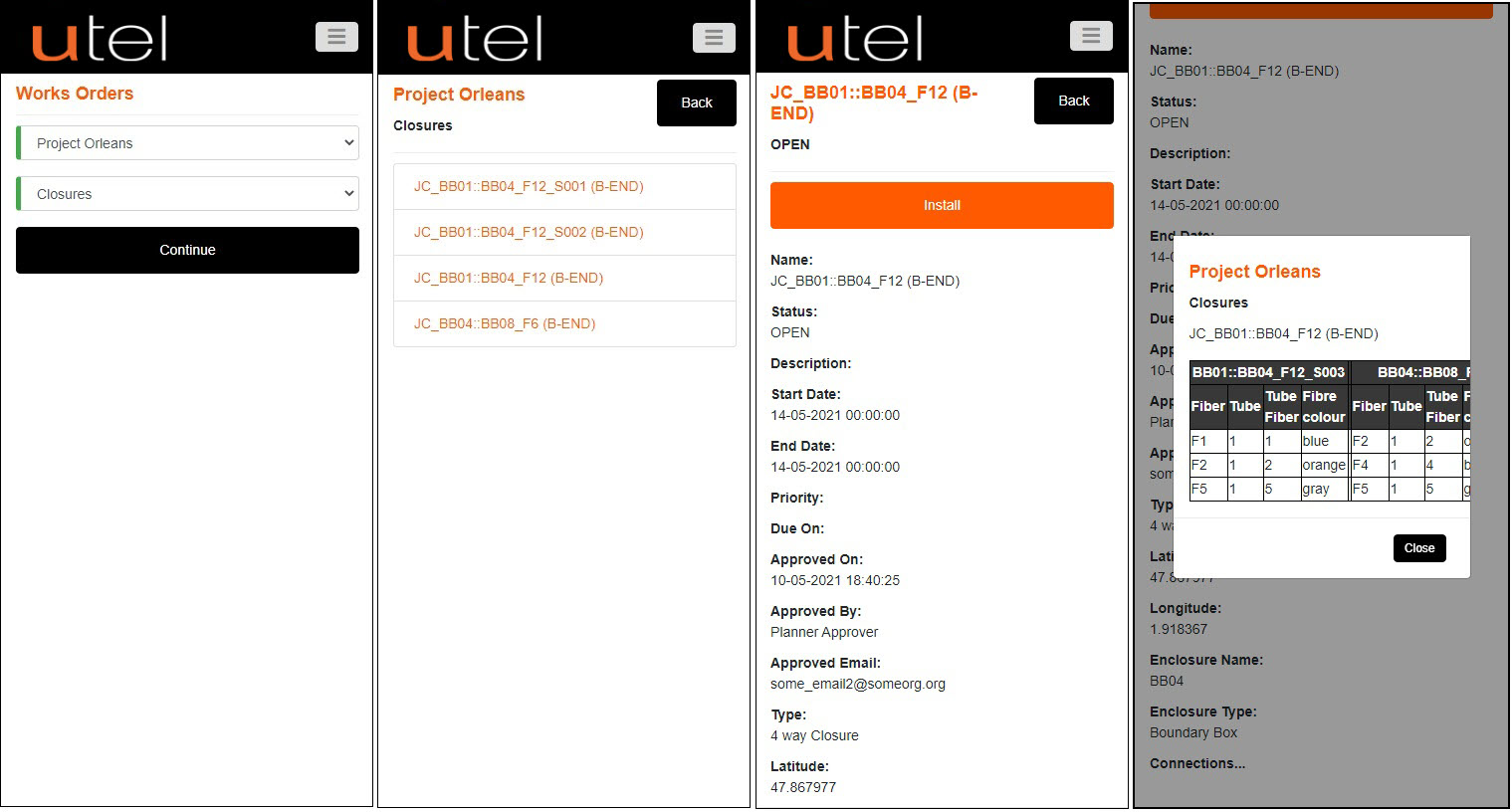
Closures. Click on 'Connections' at the bottom on the screen.
The hyperlink will display a table with the information required.
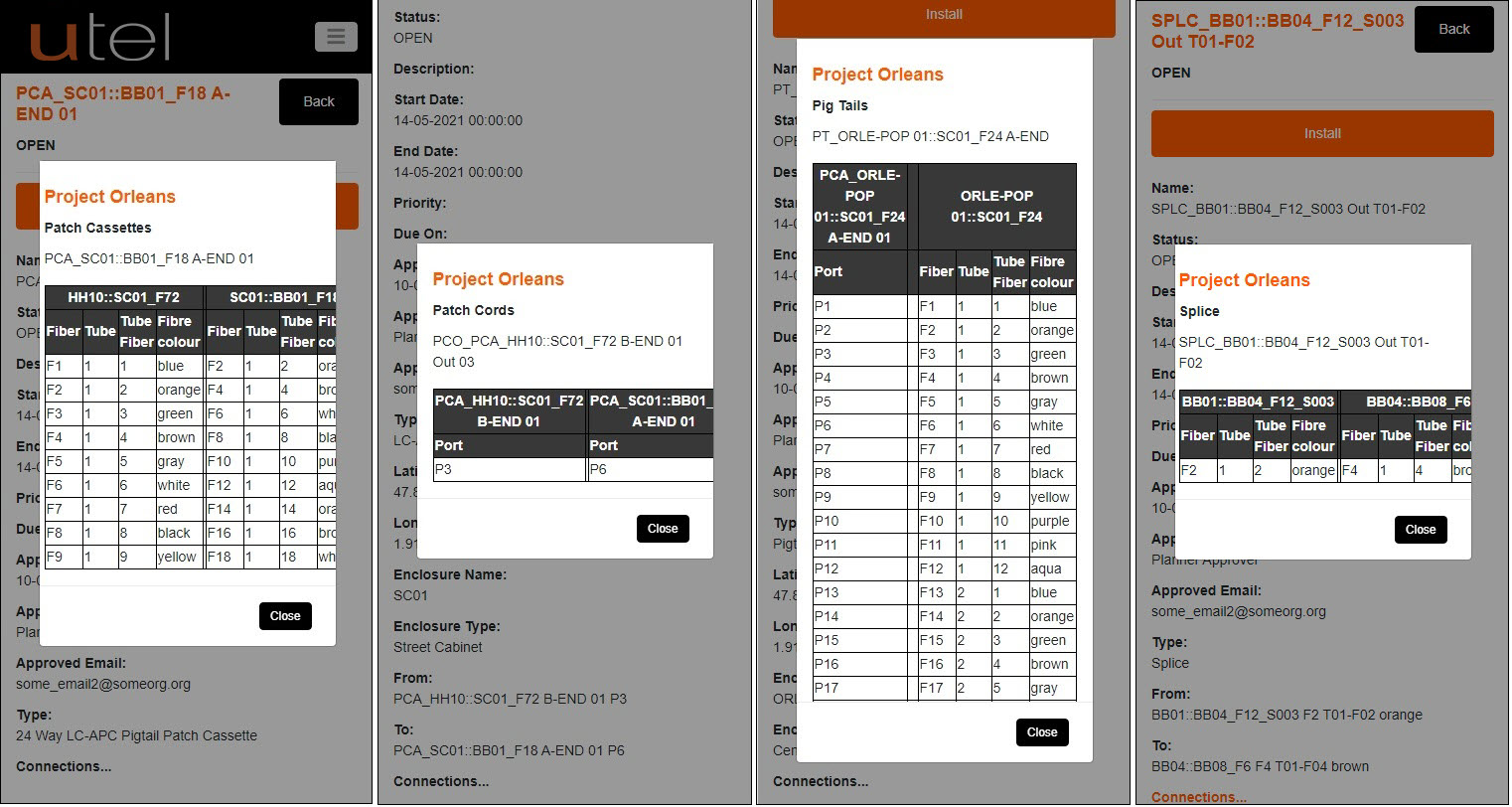
Connections; Splitter. The 'Connections' hyperlink will display a table with the details of how to connect.
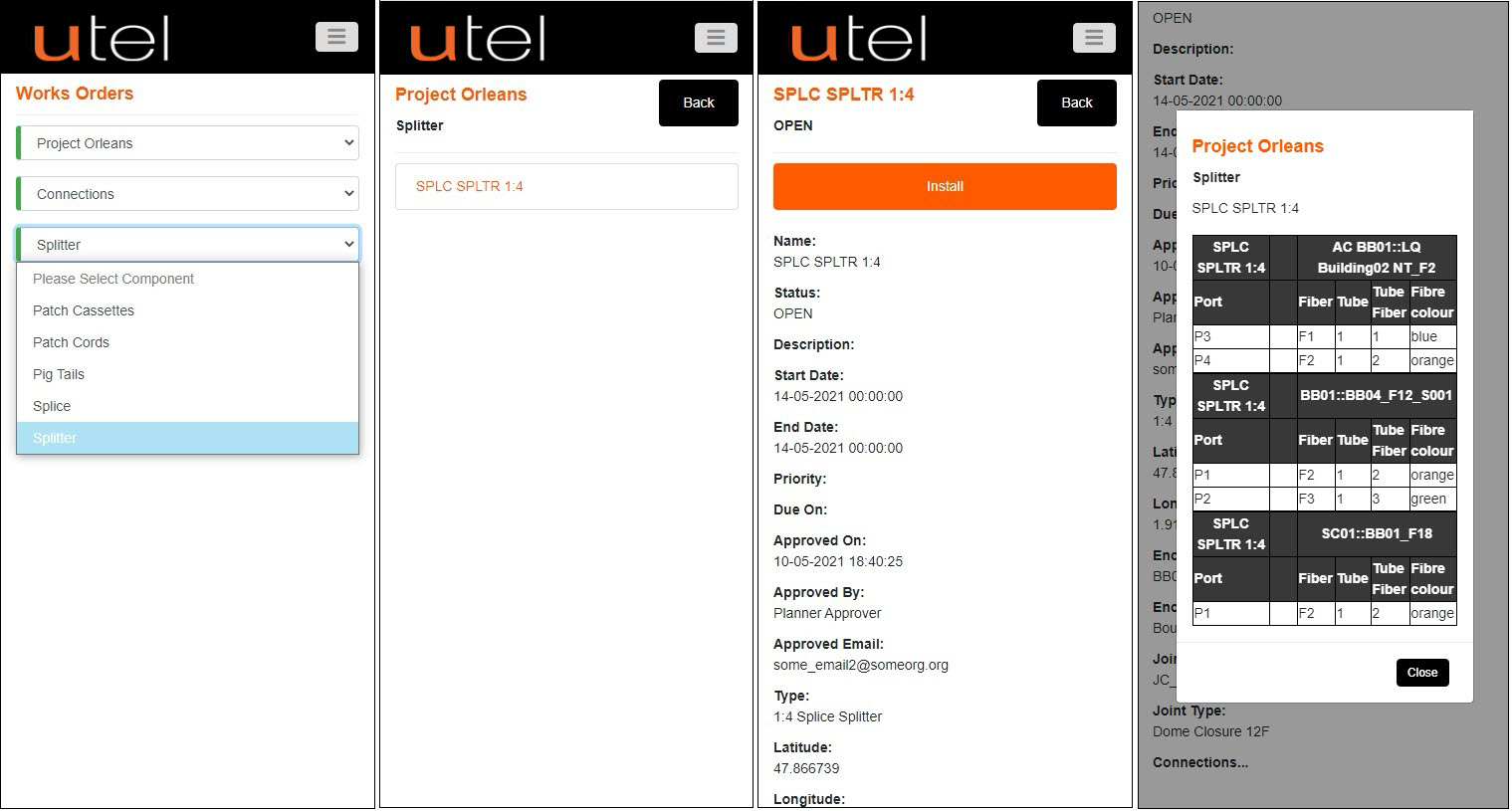
The 'Connections' hyperlink will display a unique table for Patch Cassette/Patch Cords/Pigtails/Splice.