This process is very similar to editing an alarm and is done in the Alarms tab.
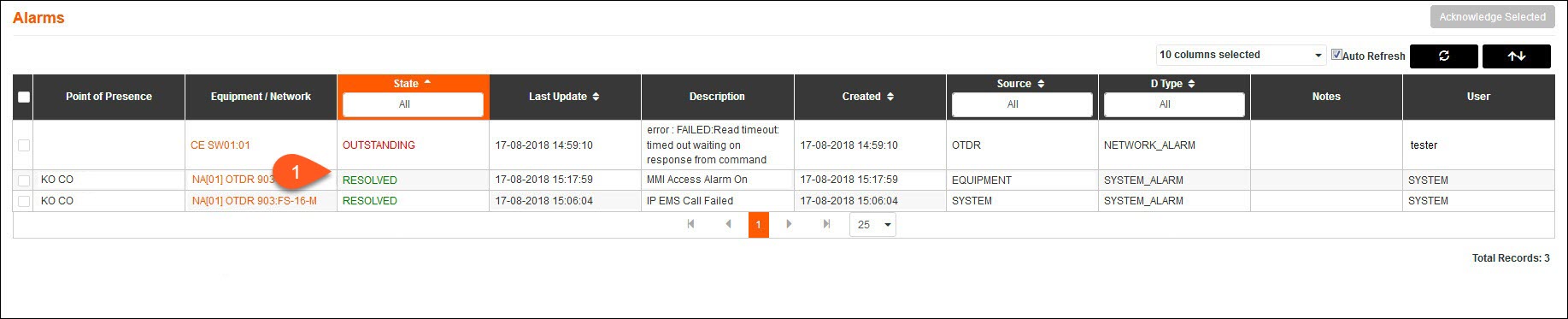
1.Instead of selecting an Accepted alarm, select a Resolved alarm.
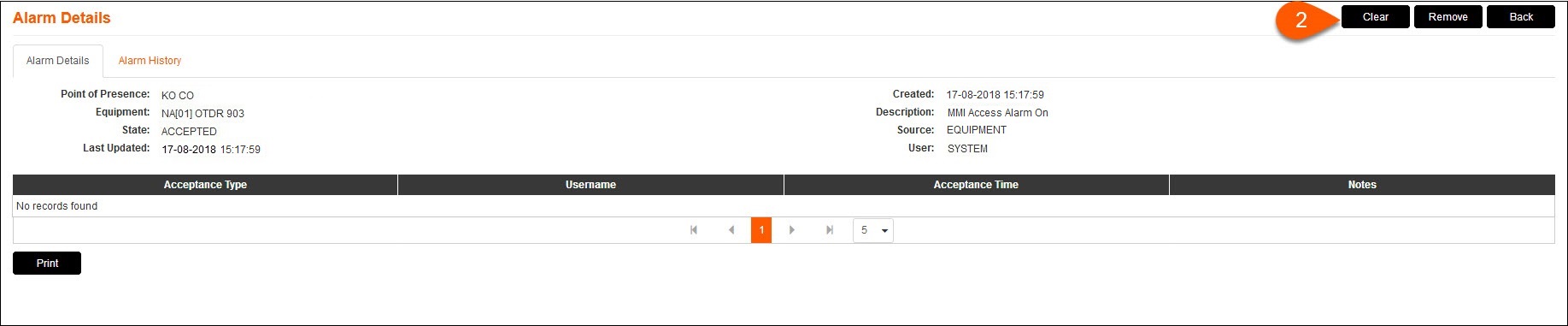
2.The button that appears instead of Edit will be Clear. Press Clear and follow the same process as described in the Editing an Alarm section.

3.The alarm will now be cleared from the Alarms page, although a record of the alarm is kept in the Alarm History with the state of Complete.