Note: When you remove an alarm, it is completely removed from the system and has no history. Be sure that you wish to delete the alarm permanently before proceeding.
To remove an alarm, go to the Alarms tab and select the alarm you wish to remove / delete permanently.

1.Press Remove.
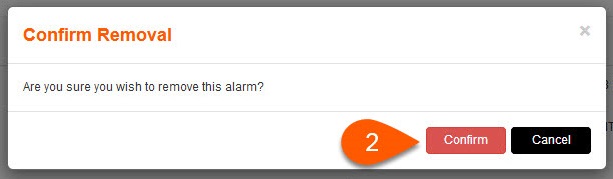
2.Press Confirm to permanently remove / delete the alarm, or press Cancel.