|
Setting up networks is done via Element Manager.
|

1.Routes are created in the Element Manager.
The routes are the paths that the fibers take from the TAF, in the POP Location, to the DP Location.
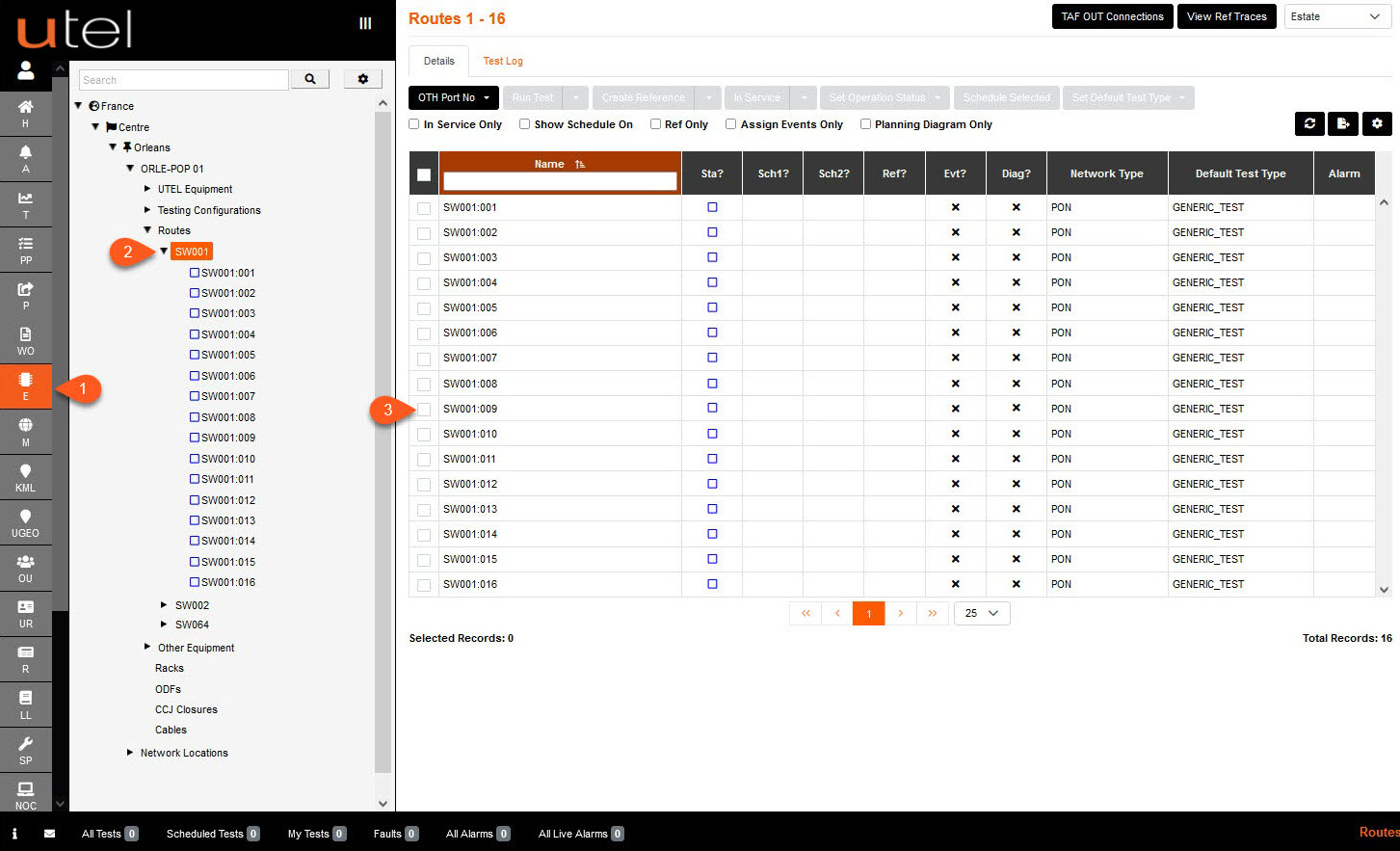
2.To view all the Routes in the table view displayed above, select "Routes" from the Tree.
The Routes drop down provides the route in switch groups, allowing you to locate routes more easily.
3.To view an individual route, select the Route drop down and select its name from the Tree view,
or select the Route from the table.